THE COMMUNITY
How to share your watch
Sharing a wrist shot on Veloce takes about thirty seconds — and every post can tag the exact watch, log the wear, and reach a community that actually cares. Here’s the whole flow, start to finish.
VELOCE
Create Post
Step 1 of 2 · Add your content
Tag Details
Step 2 of 2 · Tag your watch
Back
Tag a Watch
Identify the watch in this post
Tag a Strap
Show off the full combo
Tag Details
Step 2 of 2 · Tag your watch
Tag a Watch
Identify the watch in this post
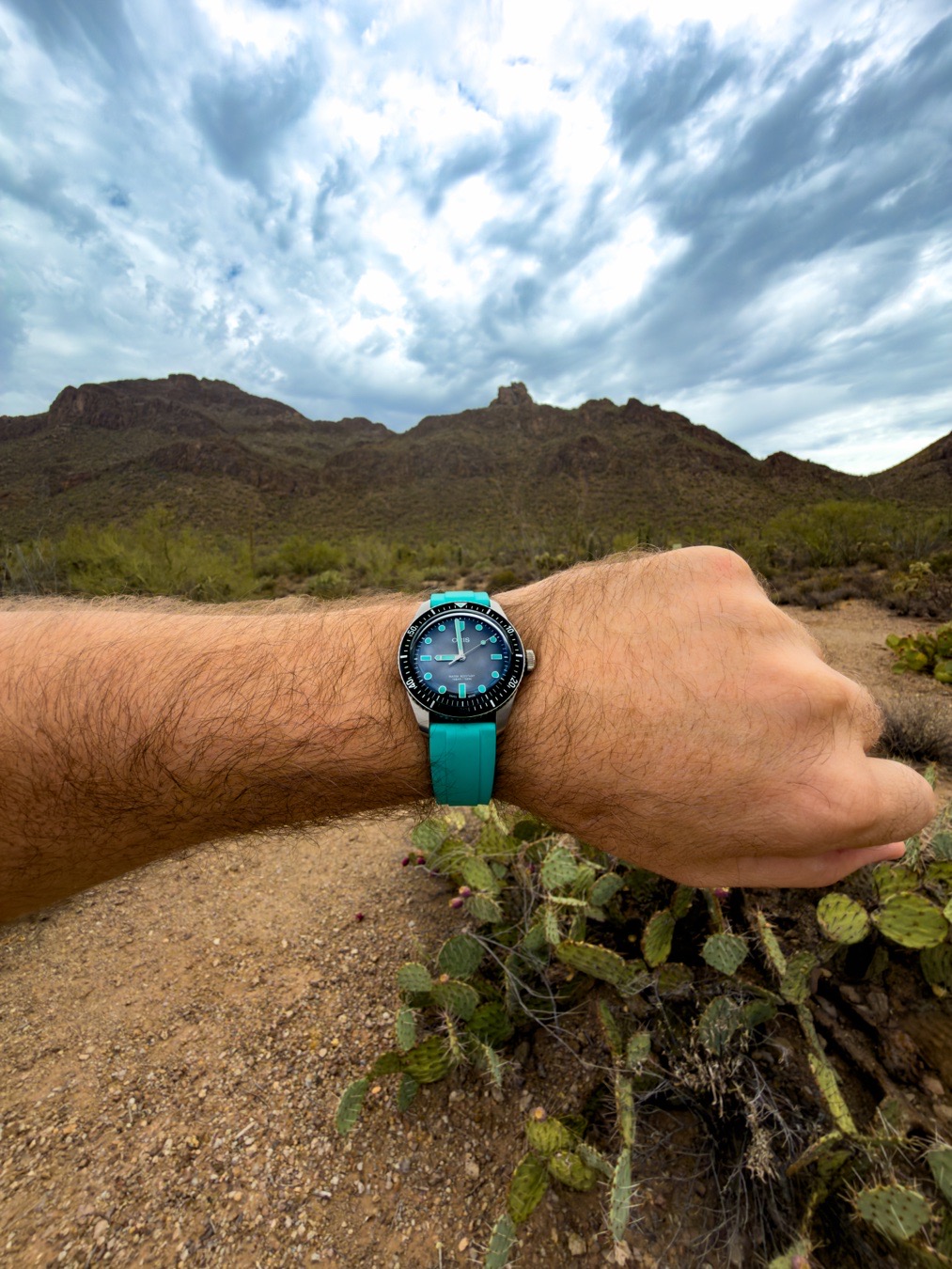
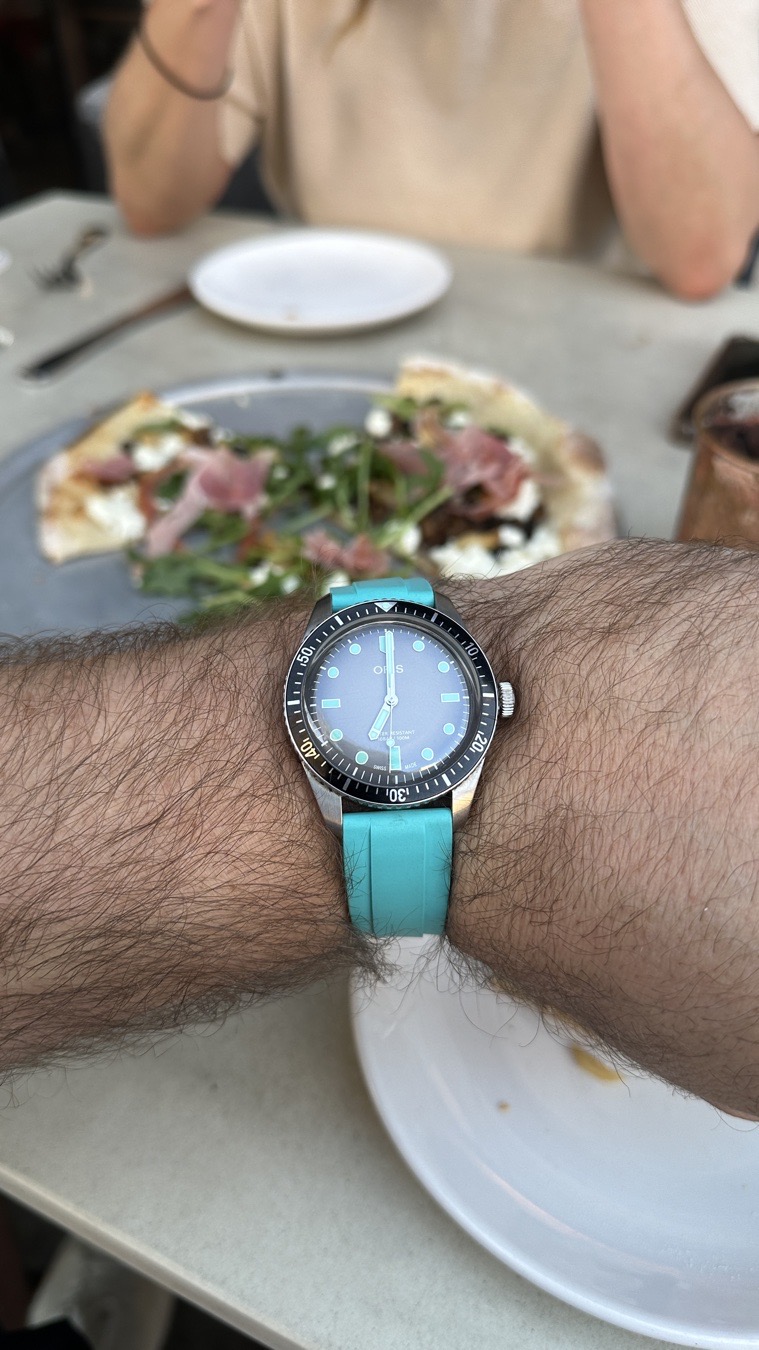
Oris
Divers Sixty-Five
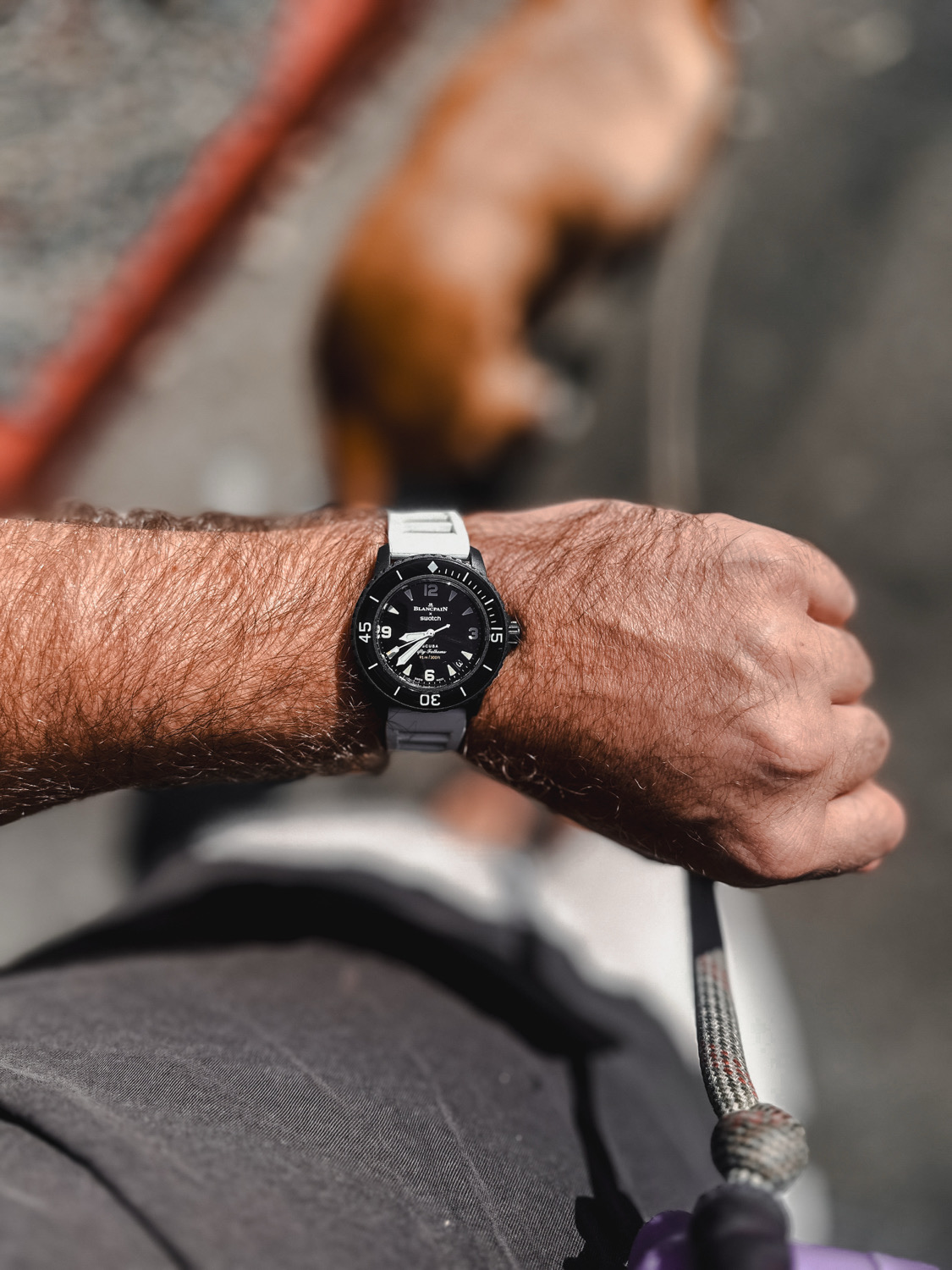
Blancpain
Fifty Fathoms
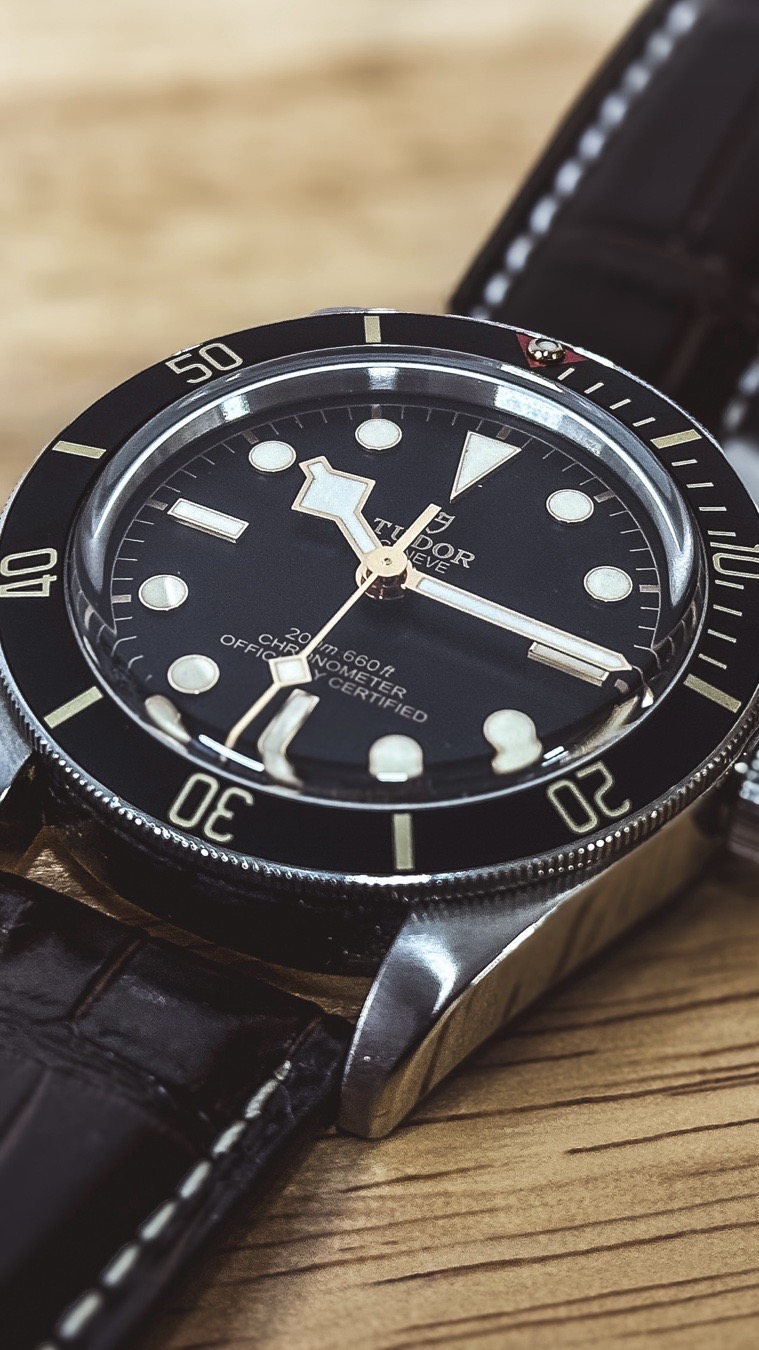
Tudor
Black Bay 58
Log this wear
Track dates and total wears
Tag a Strap
Show off the full combo
Tag Details
Step 2 of 2 · Tag your watch
Tag a Watch
Identify the watch in this post
Oris
Divers Sixty-Five
Blancpain
Fifty Fathoms
Tudor
Black Bay 58
Log this wear
Track dates and total wears
Tag a Strap
Show off the full combo
Tag Details
Step 2 of 2 · Tag your watch
Tag a Watch
Identify the watch in this post
Oris
Divers Sixty-Five
Blancpain
Fifty Fathoms
Tudor
Black Bay 58
Log this wear
Track dates and total wears
Tag a Strap
Show off the full combo
Posted!
Your Oris is live in the feed —
tagged, logged, and ready to share.
Live: compose → tag your watch → log the wear → publish.
Four steps from photo to feed
It really is this quick.
Add your content
Tap Share Post, drop in a photo or video, and write a caption — use #hashtags and @mentions to reach the right collectors.
Tag your watch
Continue to Tag Details and choose Tag a Watch. Pick it from your Watch Box, or add a new one by brand and model.
Log & publish
Optionally log the wear to track it, then tap Publish Post. It’s live in the feed with the watch tagged and specs a tap away.
Make every post do more
Tag the exact watch
Tagging links your post to the reference so anyone can tap through to full specs, the watch’s page and the brand.
Use #hashtags & @mentions
Join daily themes like #WristCheck, mention friends and brands, and get your post in front of the right people.
Log the wear
Flip “Log this wear” to add the day to your watch’s wear calendar and wrist-time total — post and track in one move.
Tag the strap too
Show the full combo — tag a strap alongside the watch to give credit and context to your whole setup.
Add it to your box
Posting a new watch? Save it to your Watch Box at the same time so it joins your tracked collection.
Reach real collectors
Your post lands in a chronological, watch-only feed — seen by people who actually appreciate it.
The community
Why collectors post here.
Better wrist shots
Make your photos pop.
Track your watches
Posting logs the wear too.
Frequently asked questions
How do I post a watch photo on Veloce?
Tap Share Post, add a photo or video and a caption (with @mentions and #hashtags if you like), then continue to Tag Details. Choose Tag a Watch, pick the piece from your Watch Box or add a new one by brand and model, optionally log the wear, and tap Publish Post. Your post goes live in the feed with the watch tagged.
What does “tag a watch” do?
Tagging attaches the exact reference to your post, so anyone who sees it can tap the tag to view the watch’s full specs. It also links your post to that watch’s page and the brand, which helps other collectors discover and identify it.
Can I tag a watch that isn’t in my collection?
Yes. On the Tag step, switch from “My Box” to “Add New”, choose the brand and model (or mark it Model Unknown / Vintage), and you can also save it to your Watch Box at the same time. If the model isn’t listed, you can add it.
What is “log this wear” when posting?
Toggling Log this wear records that you wore the watch today, adding to that watch’s wear-history calendar and total wrist time — so sharing a post and tracking your collection happen in one step.
Can I add hashtags and mention other collectors?
Yes. In the caption you can use #hashtags to join topics and @mentions to tag other users and brands, exactly like other social apps — it helps your post reach the right people.
Can I share a strap too?
Yes — alongside Tag a Watch there’s Tag a Strap, so you can show off the full watch-and-strap combo in a single post.
Share your first watch today
Download Veloce free, post a wrist shot, tag your watch, and join the conversation.