THE VELOCE APP
Track your watch collection
Add every watch you own. Log each wear with a photo, watch your wrist-time calendar fill in, keep a service history with receipts, and share your collection stats. Your personal watch box, built for enthusiasts.
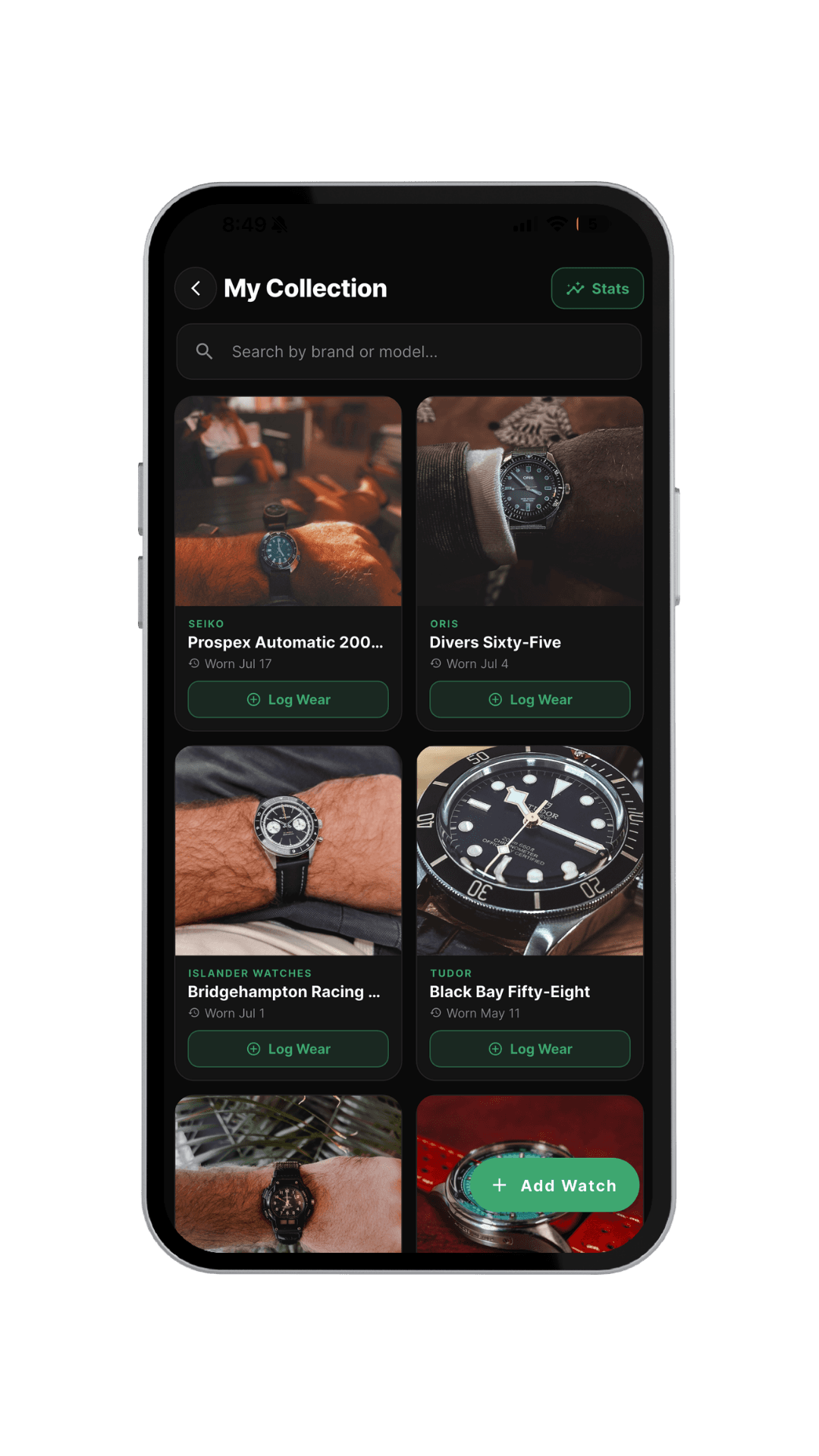
Adding a watch takes seconds
A few taps and it’s in your collection.
Tap “Add Watch”
Open My Collection and tap Add Watch to start building your collection — one watch at a time, at your own pace.
Pick the brand & model
Search the brand, then choose the model from Veloce’s reference catalog. Can’t find it? Add the missing reference in a couple of taps and it’s saved for everyone.
Add a photo & save
Drop in a wrist shot or catalog image, and the watch lands in your collection instantly — ready to log wears, service, and stats against.
Everything your collection deserves
Your whole collection, at a glance
Every watch you own in one clean grid — brand, model, and when you last wore each one. Search by brand or model, and sort by most recently worn.
Log every wear with a photo
Tap Log Wear to capture the day you wore it — with a photo and caption — and build a rich visual history of your wrist time, one day at a time.
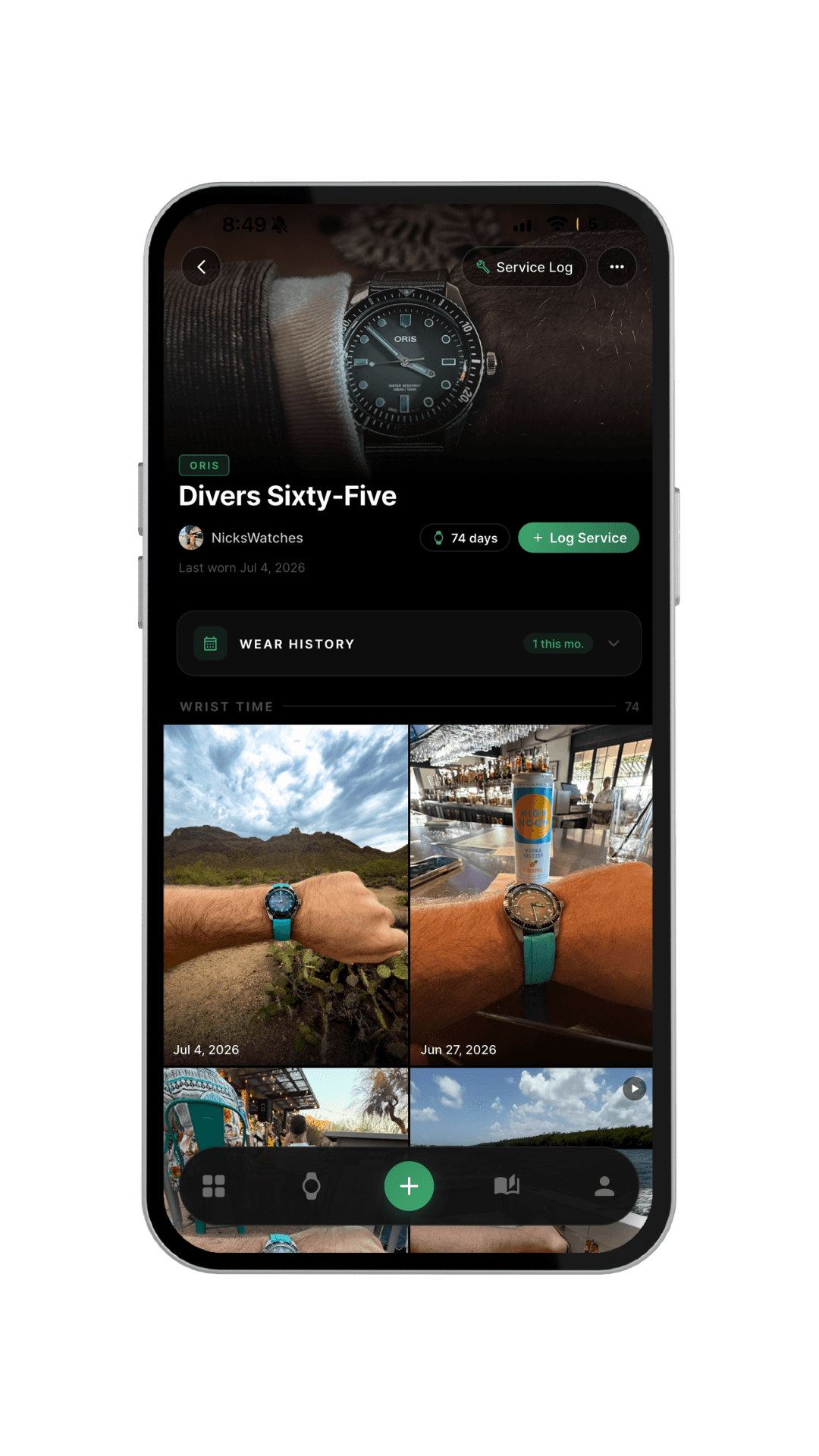
A wear-history calendar
Every watch keeps its own calendar — see exactly which days it hit your wrist, how many times this month, and your total wrist time over the life of the watch.
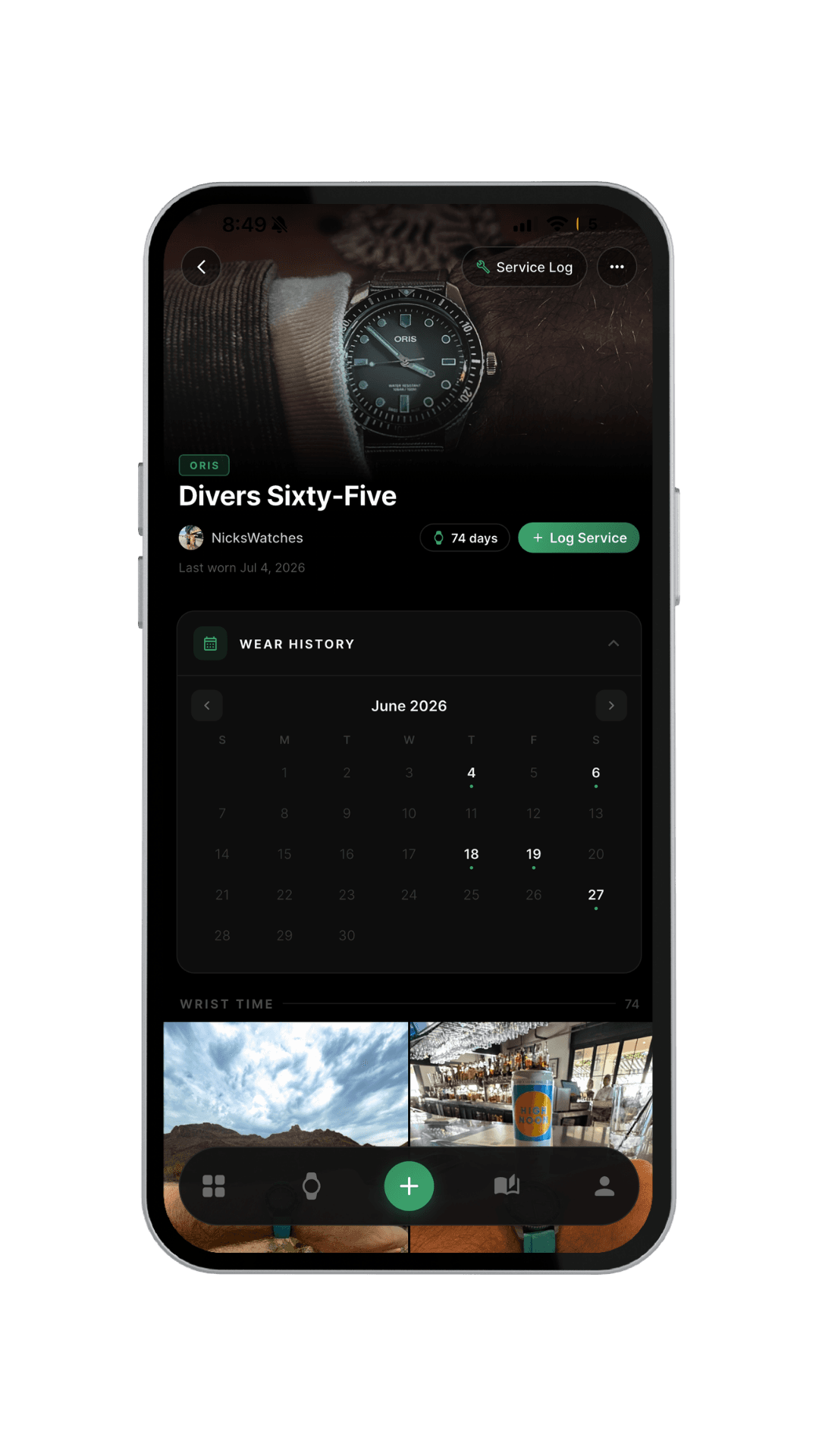
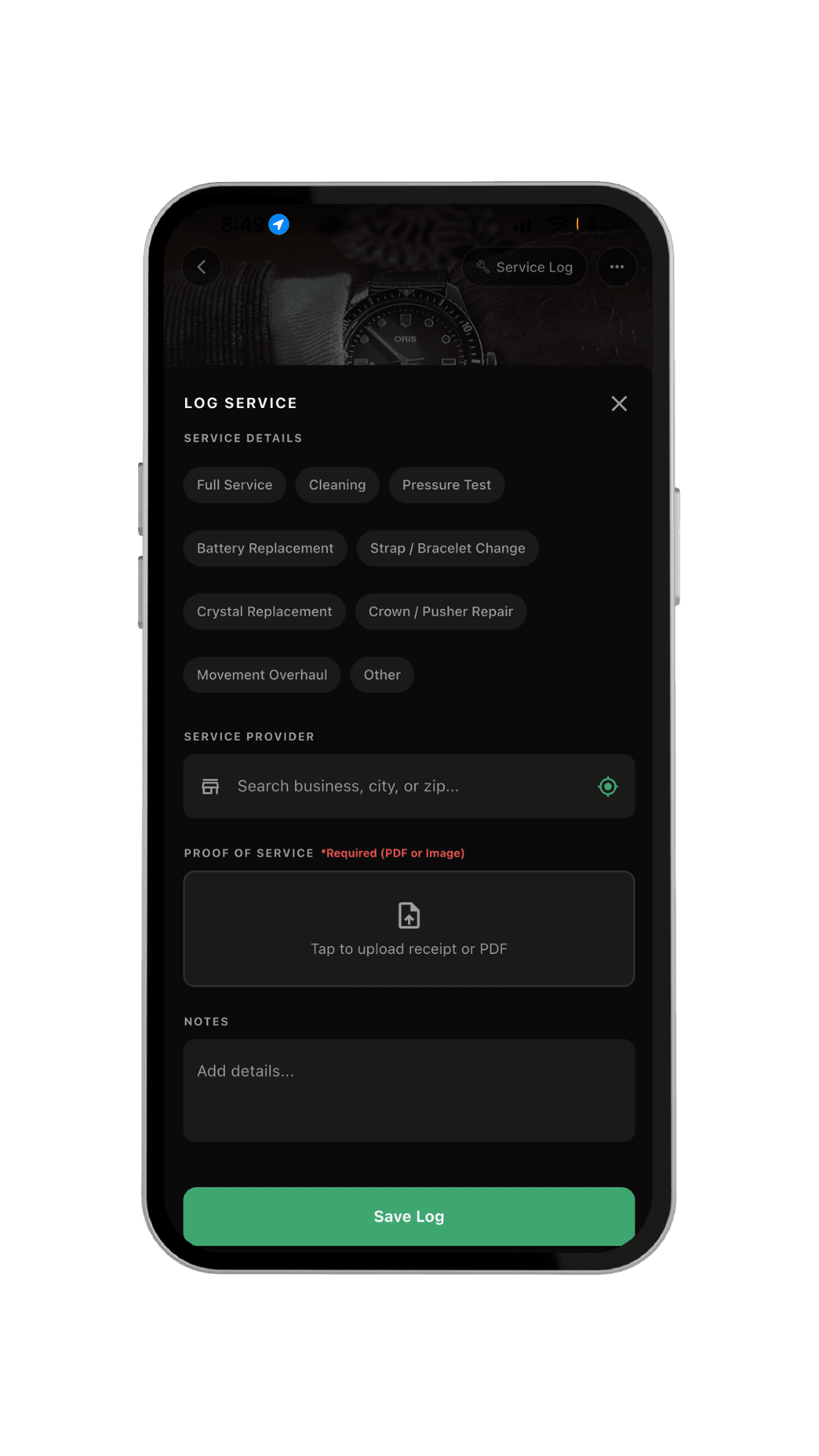
A full service log with receipts
Record full services, cleanings, pressure tests, battery and crystal changes, and more. Attach the receipt or PDF as proof and note the service provider — a complete history that follows the watch.
Shareable collection stats
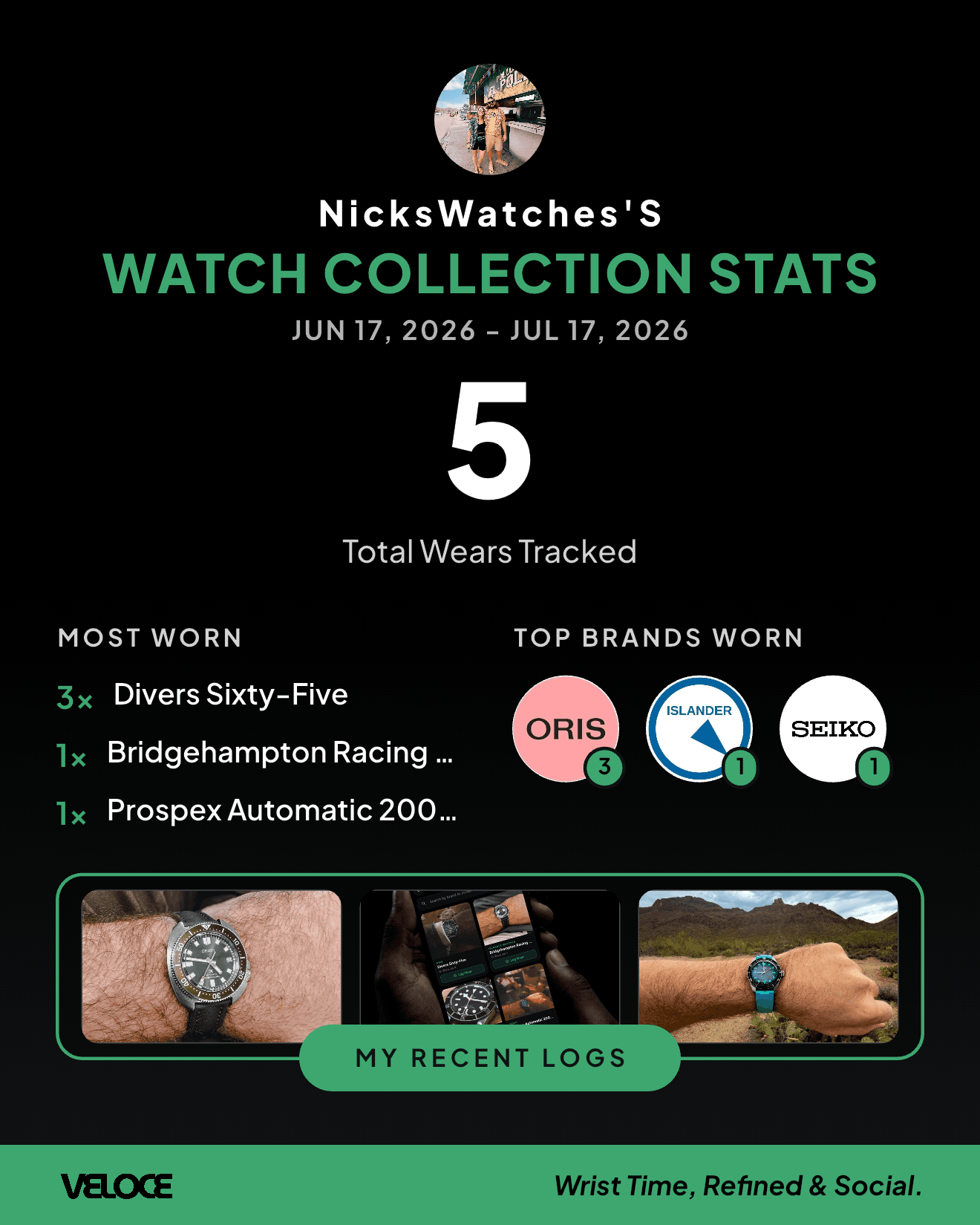
Get a beautiful, downloadable stats card for any week or month — total wears, your most-worn watches, and your top brands. Made to share on Instagram, Reddit, or the group chat.
What you can track
Frequently asked questions
How do I add a watch to my collection in Veloce?
Open My Collection in the Veloce app and tap Add Watch. Search the brand, pick the model (or add a missing reference), add a photo, and save — the watch lands in your collection right away.
Can I track when I wear each watch?
Yes. Tap Log Wear on any watch to record the day — with a photo and caption. Every watch keeps a wear-history calendar showing the exact days worn, wears this month, and total wrist time.
Does Veloce keep a service history for my watches?
Yes. Each watch has a Service Log where you can record full services, cleanings, pressure tests, battery and crystal changes and more, attach the receipt or PDF as proof, and note the service provider.
Is the Veloce watch collection tracker free?
Yes. Building your collection, logging wears, keeping a service log, and generating shareable stats cards are all free in the Veloce app on iOS and Android.
Why track your collection
The case for a digital watch box.
Collections on the web
Browse and manage collections in your browser too.
Why Veloce
The community, the games, and everything else.
Start your collection today
Download Veloce free, add your first watch in seconds, and never lose track of your wrist time again.